Best Halloween Wallpapers for iPhone
Spooky Halloween wallpapers for iPhone, from a classic eerie look to live motion, AI one-of-ones, and deep-black OLED picks for Pro displays.
Halloween is the one season that practically begs you to change your wallpaper. The trick is that “spooky” covers a huge range — cute pumpkins and cozy autumn at one end, genuinely eerie fog and gothic dread at the other — and a screen you actually want to look at for a few weeks needs the right one for you. This guide maps the main Halloween looks, the palettes behind them, and how to set one that frames the clock instead of swallowing it in shadow.
Pick your level of spooky
The fastest way to choose is to decide how dark you want to go:
Cozy / cute. Smiling jack-o’-lanterns, candy corn, friendly ghosts, plaid and warm orange. Playful, kid-friendly, great if you share your screen at work.
Autumn-gothic. Bare branches, harvest moons, crows, candlelit windows, deep amber and rust. The “cozy but a little sinister” middle ground that wears well all October.
Classic eerie. Fog over a graveyard, a lone scarecrow, silhouetted haunted houses against a sickly green or violet sky. The traditional Halloween-poster feel.
Full horror. Near-black frames, blood-red accents, skulls, candle flames in the dark. Dramatic, and best on OLED where the blacks go truly black.
If you lean toward the darker end year-round, the dark style collection carries a lot of the same mood past October.
The Halloween palette
The season has an unusually strong signature color set, and leaning into it sells the look instantly:
- Pumpkin orange + black — the unmistakable classic.
- Toxic green + deep violet — witchy, neon, very “haunted attraction.”
- Blood red + charcoal — the horror end.
- Amber, rust, and candlelight gold — for the cozy autumn-gothic look.
A useful trick: keep one accent color bright and let everything else fall into shadow. A single orange glow in a black frame reads as Halloween far more powerfully than a screen crammed with every color at once.
Composing it for the lock screen
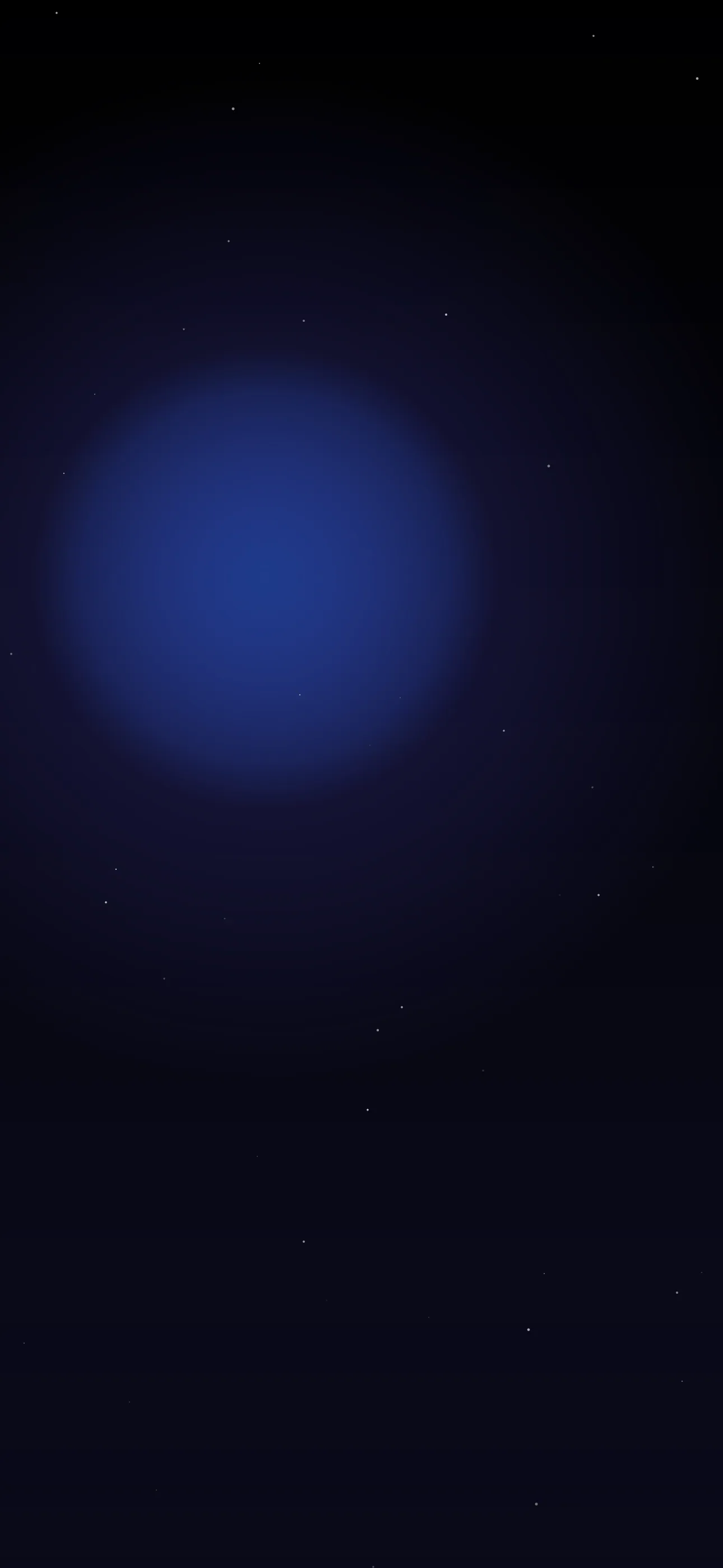
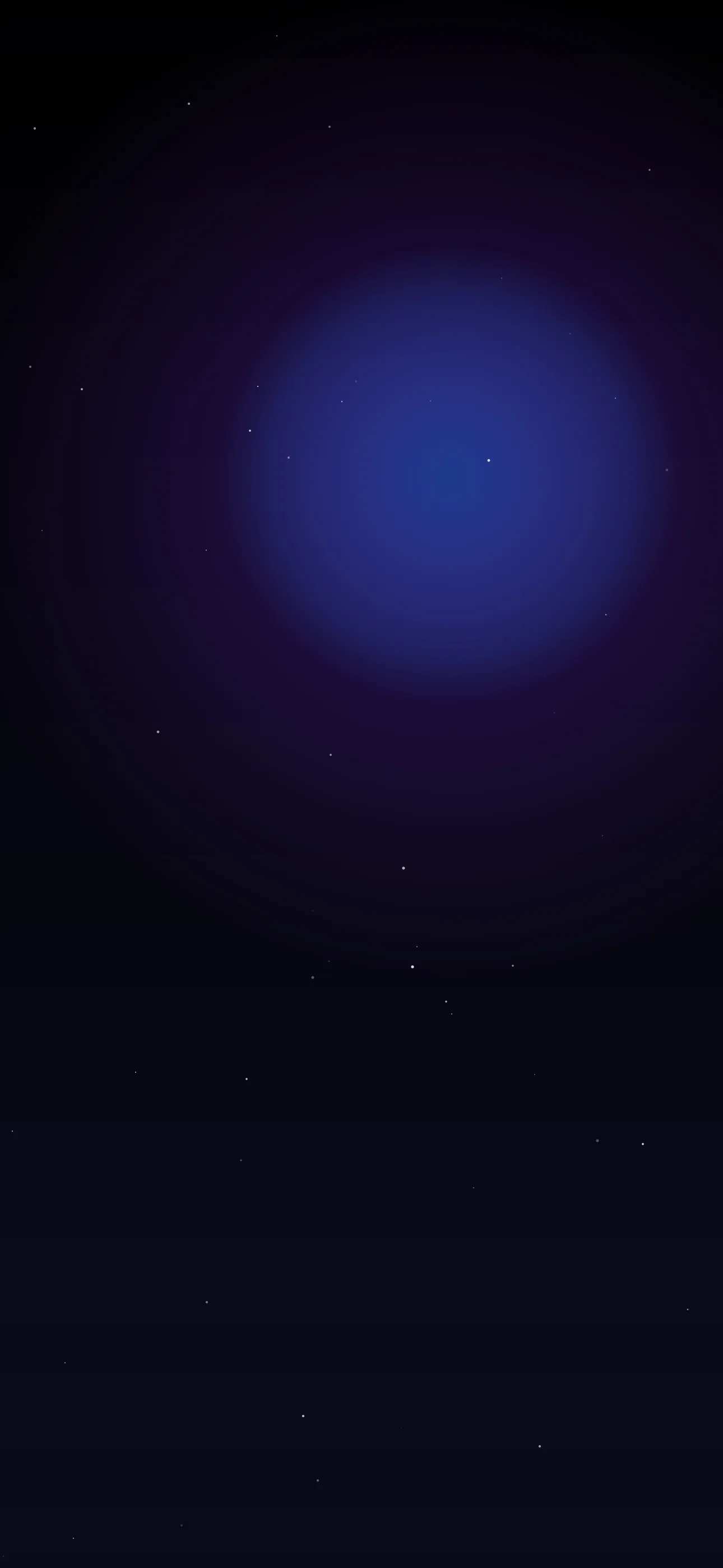
Halloween wallpapers tend to be dark, which is mostly a gift — a black or near-black frame makes the white clock pop and lets the Dynamic Island vanish into the top edge. Work at the native 1290 x 2796 so fine details like fog wisps and branches stay crisp. Then mind two things:
- Keep a glow behind the clock, or none at all. A bright moon or candle flame sitting right behind the time can wash it out. Place the light source above or below the clock band, not directly on it.
- Use silhouettes for Depth Effect. A bare tree, a scarecrow, or a haunted-house roofline rising into the clock band makes a perfect Depth Effect subject — iOS cuts around the dark shape and tucks the time behind it. Pointed, high-contrast silhouettes layer most reliably.
On every Pro iPhone and the iPhone 16, those deep-black backgrounds switch the OLED pixels off entirely, so a horror-dark wallpaper is both moodier and a touch easier on the battery.
Conjuring your own
Wallpaper Hub’s curated library breaks the season into these moods, so you can jump from cute pumpkins to full gothic without scrolling past the rest. For something nobody else has, the AI generator is a strong fit here because Halloween is all about atmosphere: try “foggy graveyard at night, bare tree silhouette, full moon high above an empty center, deep blue-black palette” or “single carved pumpkin glowing orange in total darkness, lots of black space.”
Motion makes Halloween land hardest. A live wallpaper with drifting fog, a flickering candle, or a slow-swaying branch animates the second you touch and hold the lock screen — far spookier than a still image. And if you’ve found the right scene but the moon sits on the clock, the built-in editor lets you reposition and crop to the exact screen size in a few taps.
A quick recipe: pick a dark scene with one bright accent, place the glow off the clock band, crop to 1290 x 2796, set it, then check Customize to see if Depth Effect grabs your silhouette.
Get Wallpaper Hub on the App Store
Set it the first week of October and let it ride — a good Halloween screen earns its keep all month.
Wallpapers from Wallpaper Hub
Full gallery