Best Summer Wallpapers for iPhone
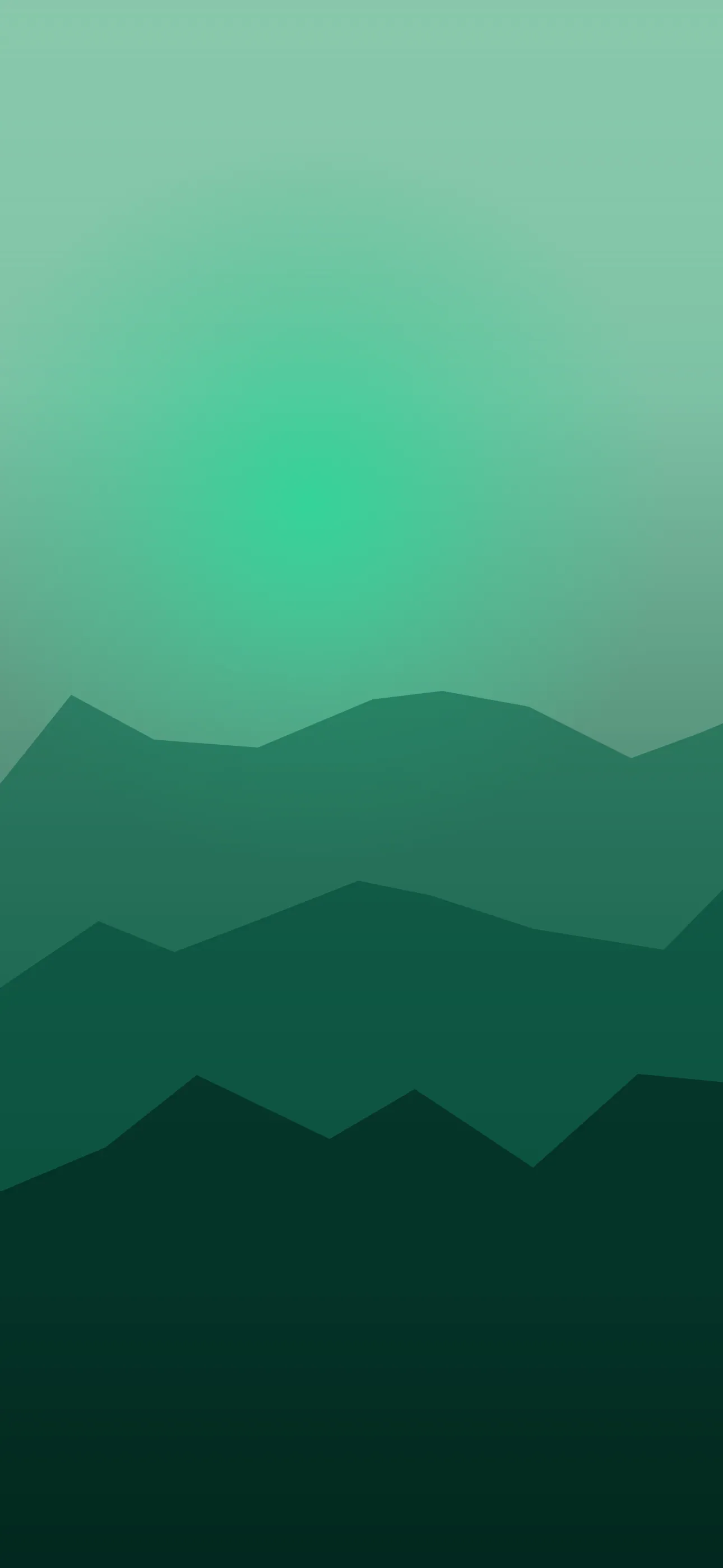
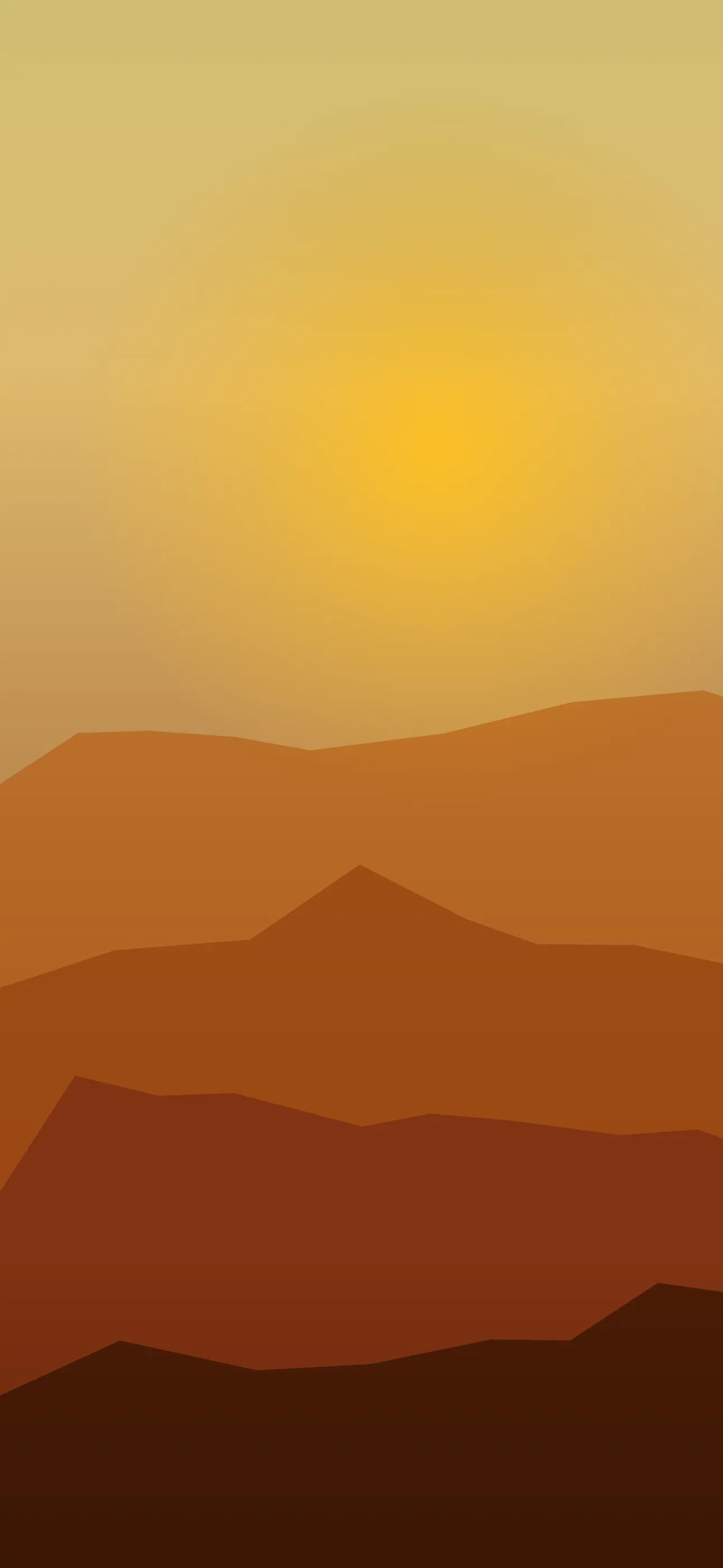
Five summer wallpapers for iPhone, from a bright classic scene to live motion, AI originals, and Depth Effect picks that frame the clock cleanly.
Summer is a feeling more than a single image, which is why a great summer wallpaper can take so many forms — a beach at golden hour, a poolside with palms, a sun-bleached sky, a bowl of citrus, a neon sunset. What ties them together is warmth, brightness, and a sense of ease. This guide breaks down the summer looks that work on an iPhone lock screen and how to keep them bright without losing your clock to the glare.
The summer sub-styles
- Beach and coast — sand, turquoise water, a low horizon; classic and breezy.
- Poolside / palms — blue water, green palms, a slightly retro vacation feel.
- Golden hour — warm amber and pink skies, long light, very cozy.
- Sunset gradients — orange-to-pink washes, sometimes with a neon edge that nods to y2k.
- Fruit and objects — citrus, popsicles, sunglasses; playful and graphic.
A fun seasonal set might be one bright midday beach for daytime and one warm sunset gradient for the evening.
Keeping it bright without losing the clock
Summer wallpapers are usually high-key — lots of light, bright sky, glare off water. That’s the look, but it fights the clock if you’re not careful. iOS auto-adjusts the clock color, yet a blown-out white sky behind the time still hurts legibility.
The fix is to keep a slightly richer band in the upper-middle where the clock lives — a deeper blue sky, a warm gradient, or the darker top of a sunset — even if the rest of the frame is bright. Beach shots work best with a low horizon, so open sky (not busy sand and surf) sits behind the time. At 1290x2796 on the current Pro Max, bright scenes hold their detail well, but only at native resolution — an upscaled holiday snap loses the crisp water and sky gradients that make summer images pop.
Warm palettes and widget pairing
Summer palettes are warm and saturated, which is cheerful but can clash with busy widgets. To keep it cohesive:
- Beach blues and sand pair well with white clock text and clean, minimal widgets.
- Golden-hour amber and pink look great with tinted widgets picking up the warm tones (a recent iOS widget style).
- Neon sunset is bold — keep the home screen simple so the wallpaper carries the energy.
Summer and OLED
Bright summer scenes are the opposite of the true-black OLED trick — they’re mostly lit pixels, so don’t expect battery savings. The one exception is a dark sunset or night-beach scene, where a deep sky lets true-black pixels switch off on iPhone 14 Pro and later. If you want an evening companion to a bright daytime wallpaper, a dusk or night version gives you that contrast.
Depth Effect with summer scenes
Wide beach and sky shots usually won’t trigger Depth Effect — there’s no single foreground subject. But a summer scene with one clear object — a palm leaning in, a parasol, sunglasses, a slice of fruit — in the lower frame can layer behind the clock for a dimensional look. If that’s your goal, choose a composition with a defined object near the bottom rather than an open vista. The What is the Depth Effect on iPhone? guide covers what qualifies.
Live motion for summer
Summer is a natural fit for gentle live motion: rolling waves, swaying palms, shimmering heat haze, a slow sunset color shift. A live wallpaper plays when you touch and hold the lock screen — keep the motion slow and breezy to match the relaxed mood.
Building a summer set with Wallpaper Hub
Holiday photos rarely crop cleanly to a tall screen, so a curated library saves the hassle. In Wallpaper Hub you can browse beach, poolside, and sunset scenes already framed for iPhone, plus live versions and tools to make your own:
- Use the AI generator for a one-of-one — try “turquoise beach, low horizon, golden-hour light, warm sky at top” or “neon sunset gradient, orange to pink, single palm silhouette.”
- Open the editor to deepen the sky in the clock zone or warm up the palette.
- Keep a bright midday scene and a warm sunset for day/night Focus.
Summer overlaps with the nature collection and, for the neon sunset side, the y2k look; browse the full range under styles. For setup help, see How to Set an Aesthetic Wallpaper.
Quick checklist
- A richer band in the clock zone so the time stays legible
- Low horizon on beach shots for open sky behind the clock
- A dark sunset/night version for the OLED look at night
- One clear object if you want Depth Effect
- Native resolution so bright gradients stay clean
Wallpapers from Wallpaper Hub
Full gallery